
If you're an advanced AI wizard, this Vibe Coding deep-dive will be a better fit.
Vibe Coding x AI: Letting Non-Engineers Build Their Own Websites
I recently realized that Agent Indexing has a strong long-tail effect on citations from long-form content -- a potential opportunity. At the same time, I wanted to dust off my old SEO knowledge and put it back into practice. Two weeks ago, I decided to use Claude.ai to build a personal website from scratch (this very site!), aiming to establish a consistent writing habit and accumulate traffic in 2025.
"Monetization potential" and "what should content strategy look like in the AI era" are two hypotheses I wanted to validate through this project. I also firmly believe Dogfooding is the only real way to build great products -- only when you've suffered what others suffer can you truly understand the pain points in the Vibe Coder user journey.
Uber's Chief Product Officer Sachin Kansal is known for "extreme dogfooding." He personally completed nearly a thousand Uber driving and delivery trips, screenshotting every pain point, writing a 40-page report, and tracking improvement progress. In his Lenny interview, he said: "The product we ask end users to use, we should also be using ourselves. When the app is running in a vehicle moving at 70 mph, the feeling is completely different from building the product in an office." (I highly recommend reading the summary of this interview.)
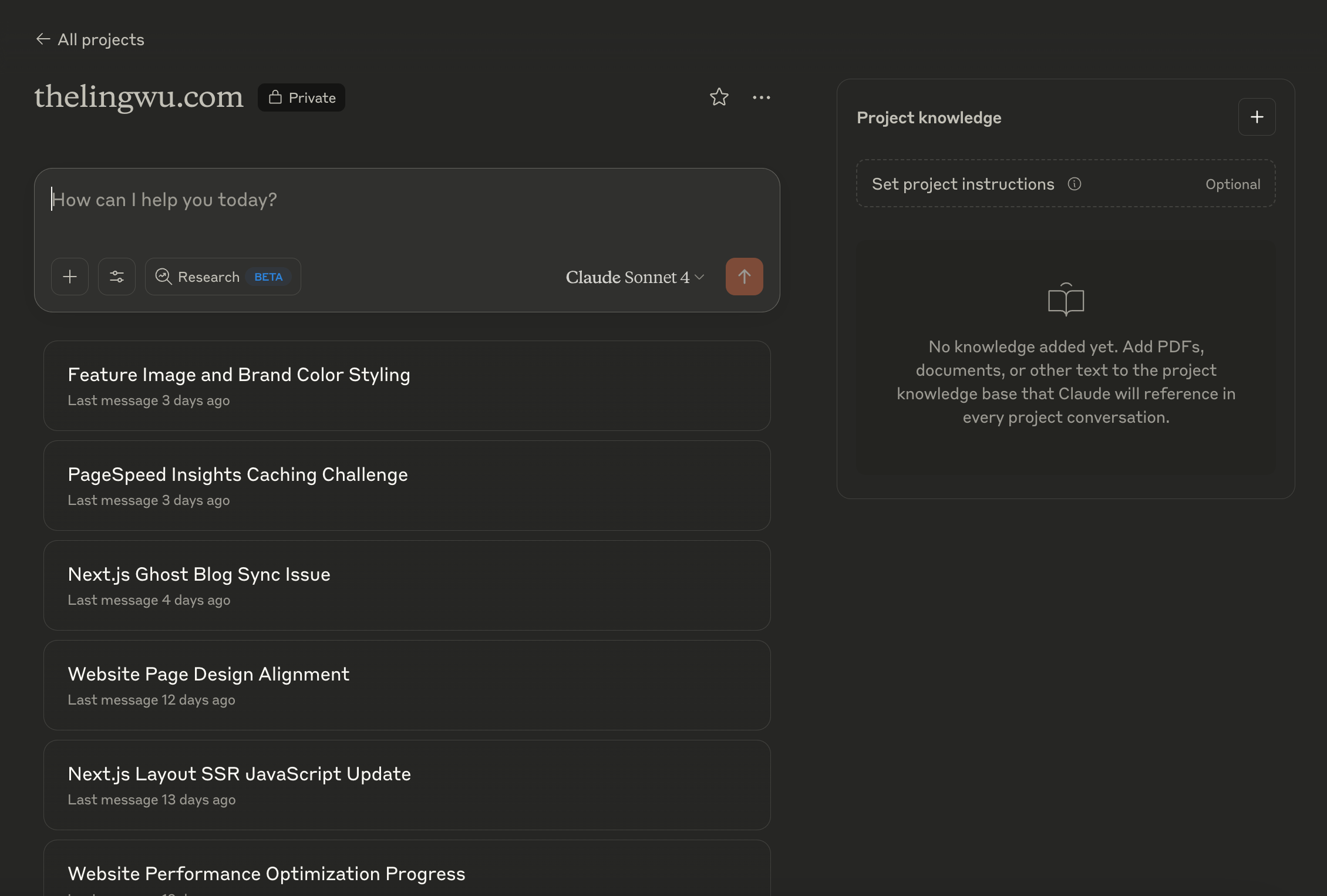
I actually purchased thelingwu.com back in 2020 and connected it to a WordPress backend for content management. I even published a few interview articles at the time (called the Internship Unboxing Project). That was an era before AI -- I used Google Meet and the iPhone voice recorder, then cleaned up transcripts with Yating AI, and that's how I produced around 4 interview pieces.
Later, the UX pain of the WordPress backend became unbearable, so I decided not to renew. My personal blog plan got shelved through the pandemic, graduation, military service, and moving abroad. Since March 2024, when I was still in London, I'd been planning to build a personal website for a long time. After initial research, I still couldn't assess the investment required, and I felt Ghost.io's existing templates didn't meet my needs, so I kept postponing -- all the way to February 2025. After converting to full-time at Zeabur, I made my first attempt with a Vibe Coding side project: a Customised URL Shortener.
By late May, on a sleepless night, I opened Claude and asked about the execution steps. And just like that, I embarked on a full week of Vibe Coding intensive training as a beginner wizard.
I also want to use my own hands-on experience to tell everyone who's been hesitant about Vibe Coding: whether you're in marketing or design, the barrier to entry is far lower than your fear.
Product Requirements Breakdown: Planning Features and Architecture with AI
Based on my first product-building experience, I'd say that before jumping into implementation, clarifying your vision and the underlying requirements is far more important than starting to build right away. I stepped on plenty of landmines along the way, so I'm sharing here from a meta perspective -- if I were to iterate further, here's how I'd approach the research from the start. The tools I used for this project:
-
Technical Tools
-
Next.js + React: modern front-end framework (managing visual elements and UI interactions)
-
Ghost.io: content management platform (managing article publishing and subscriber management -- primary need was a clean interface)
-
Zeabur: one-click deployment platform
-
Github: code repository
-
-
AI Tools for Coding
-
Claude.ai: AI coding assistant
-
Windsurf: code editor (I'd take Claude's generated code and throw it into Windsurf for fine-tuning)
-
Perplexity: encyclopedia
-
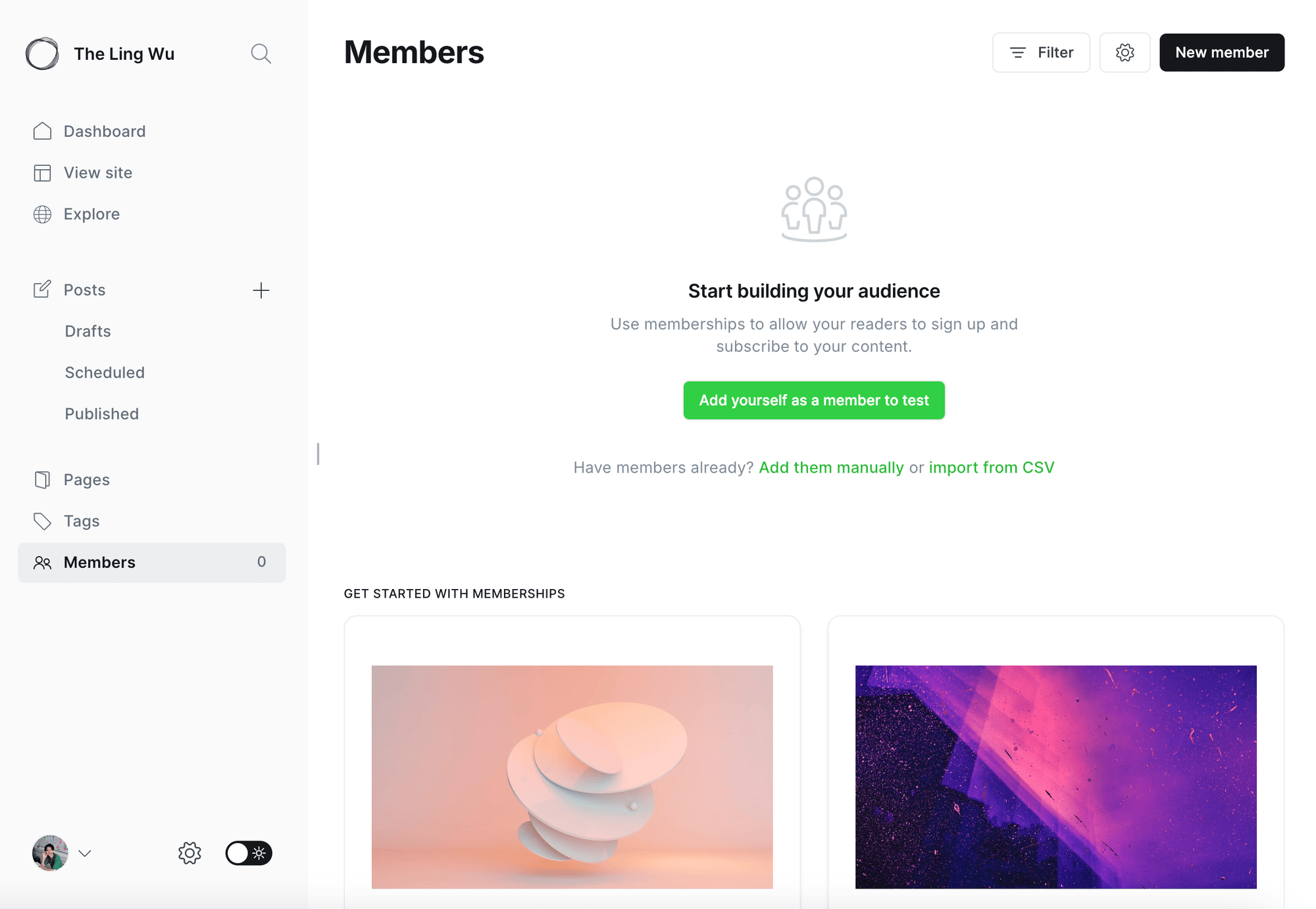
Choosing a System for Self-Hosted Sites: What Is a Headless CMS? Why Ghost.io?
Having used WordPress and Webflow to edit and manage content, I know exactly how much I hate working with systems that don't fit my habits. My preferred format is an editor like Medium's, with a backend for managing content and subscribers. At the same time, I needed a front-end that could be fully customized in terms of UI design and UX interaction logic, separate from the content (ideally I'd set the interface once and never touch it again). This involves two concepts:
- Headless CMS: plays the role of a "content warehouse." You focus on writing good content; whether it gets printed as a newspaper, turned into a website, an app, or a digital signboard is decided by different front-end code (connected via API).
- Traditional CMS: a "newspaper editorial office" where content and presentation are bundled together. You have to handle layout and visuals while writing content.
Choosing Ghost.io came down to "platform open-source nature" and "ease of use." Completely free, it also comes with the subscriber management system that content creators need most, plus the ability to publish newsletters directly.
Common Front-End Framework Choices: React, Angular, Vue
Front-end languages were a blind spot in my knowledge. My background and technical experience consisted of "having served as a Project Manager on product projects, so I knew the basics of front-end, back-end, and Design Libraries," and having done SEO and content marketing, which gave me "basic familiarity with platforms like Google Analytics and Search Console." But the finer details of code trade-offs and engineering theory? Completely clueless.
So I first spent an hour understanding and evaluating which framework best fit my needs.
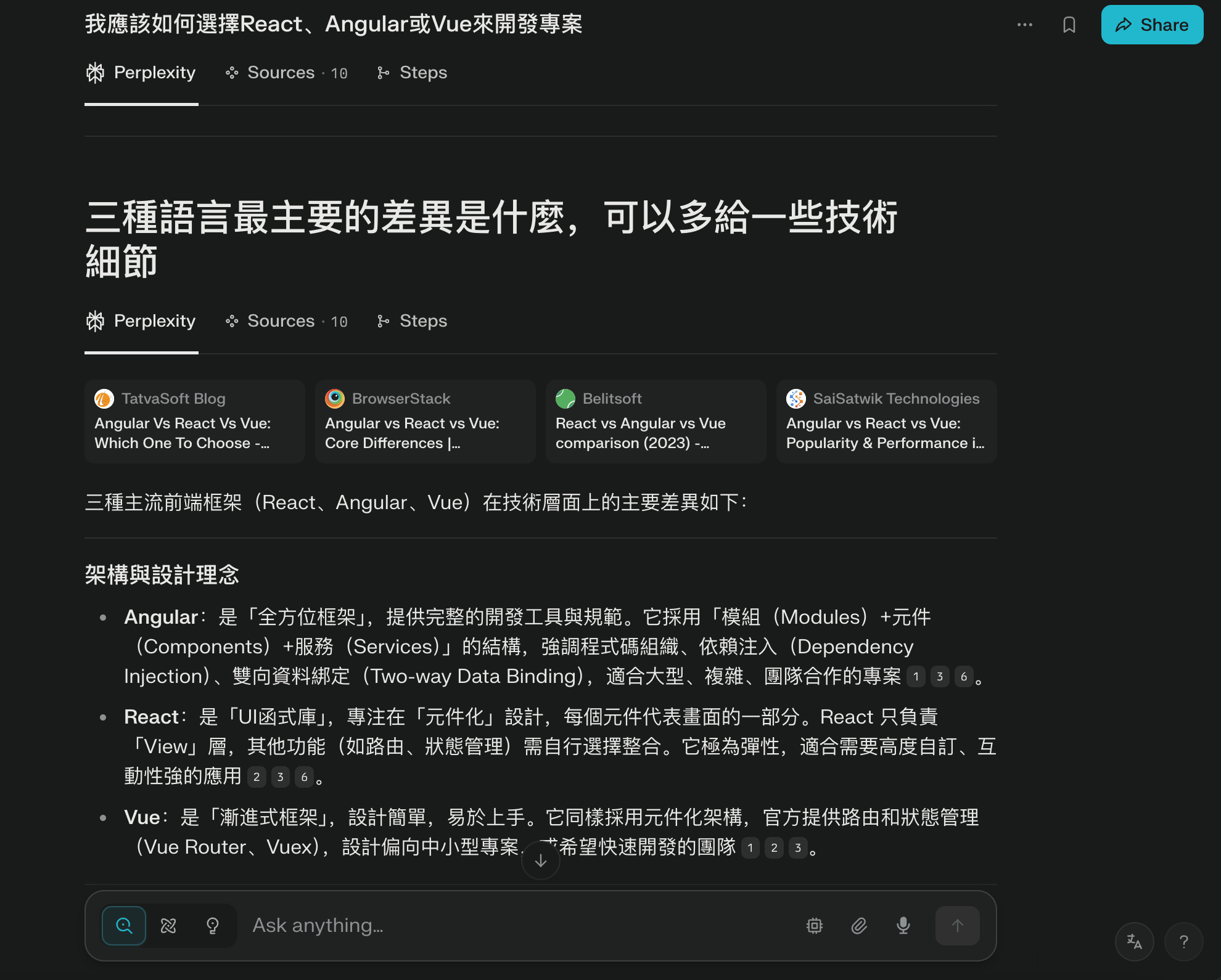
Yes -- anyone with a technical background can tell my level just from the way I asked. There are only three front-end languages: HTML (static rendering), CSS (visual styling), and JavaScript (dynamic interaction). When applying them to projects of different scales, you consider performance and maintainability and "package" them into different "frameworks," but the underlying logic -- the programming language itself -- is the same.
One more note: I ultimately chose the Next.js + React combo because it's the most mainstream pairing on the market right now, and it's best suited for projects with straightforward UX interaction needs (no flashy animations). After deciding on the tool stack, I established the overall workflow in two categories:
- Coding: feed requirements to Claude -> into Windsurf -> open Localhost to review issues -> fix minor typos directly in Windsurf, send major logic problems back to Claude for analysis
- Research: highlight a theoretical framework from Claude -> throw it to Perplexity for analysis -> cross-check sources for credibility
AI as Requirements Translator: Breaking "Requirements" into "Features," Then Translating into "Code"
This is an era where you can build high-fidelity products with AI. This Arsturn article highlights several Vibe-Coded products across different verticals. In the Taiwan market, interesting products like Anxiety Popper and Introly.me have emerged recently.
This week I happened to chat with a friend about "product taste." In the age of AI, I think aesthetic sensibility and attention to detail -- these two UX elements -- are critically important. And behind both lies something even more fundamental: how to keep UX mindset embedded in every step of the product-building process, rather than trying to force users to conform to the product flow after it's already built.
A note here: before working on this project, my understanding of "Repository" stopped at "a bundle of code and the place it lives."
Everyone who builds products initially spends a lot of time translating "requirements" into "website features," then using AI to convert them into "Repo" format. The website I wanted to build was actually quite simple in functionality:
- Homepage
- Writing Page (article overview)
- Project Page (project overview)
But after deeper breakdown, I added:
- The homepage itself
- Sidebar
- Writing Page + individual article pages
- Project Page + individual project pages
After folding in visual design, Ghost integration, SEO, and other features, items 1, 2, and 3 became... this (laughs).
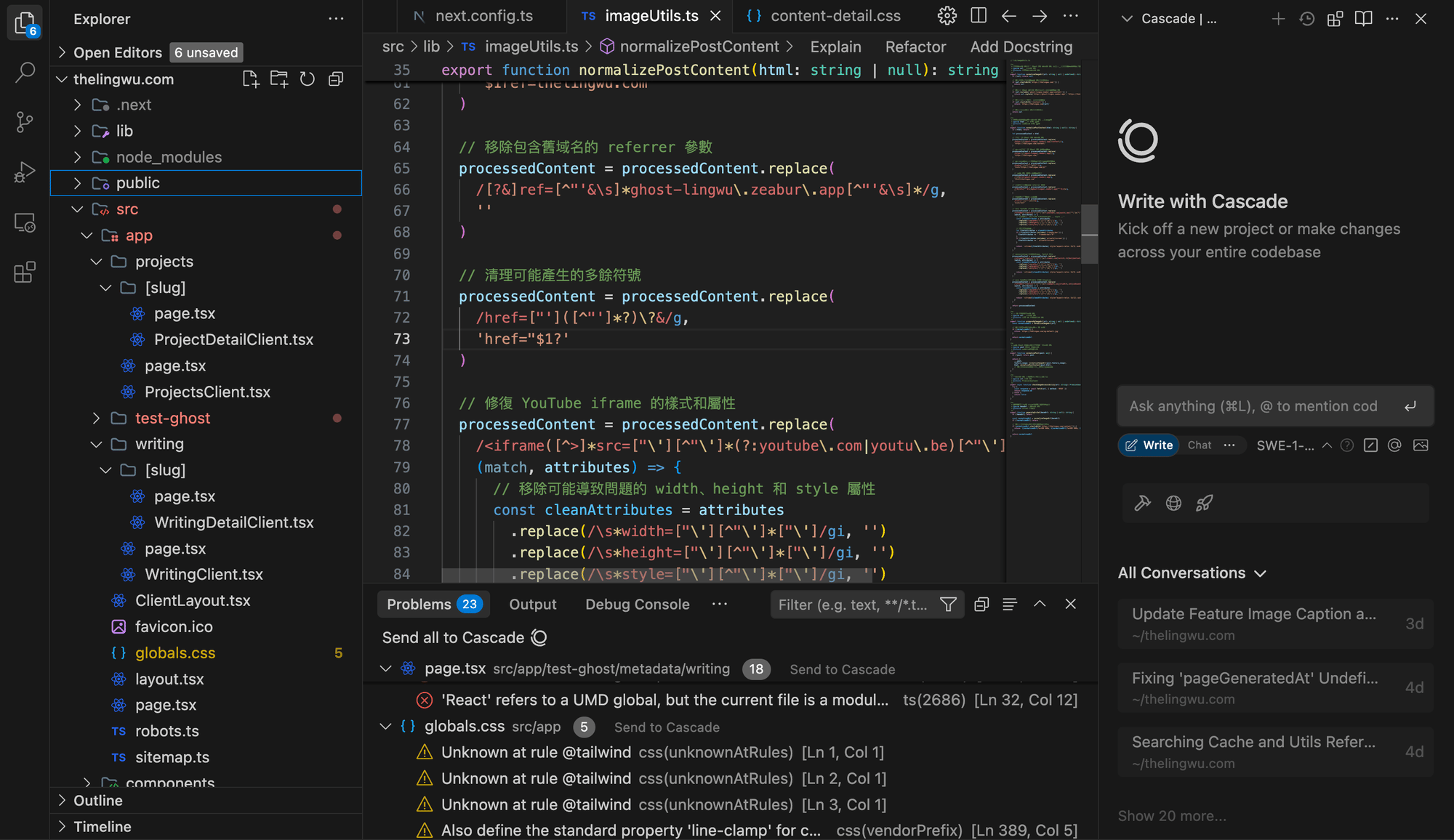
Don't panic (the scale for items 1, 2, 3 is measured in weeks). I want to share a common, important, and easily overlooked step: "finding product references." Finding references also reflects the taste and attention to experiential detail I mentioned earlier. In my case:
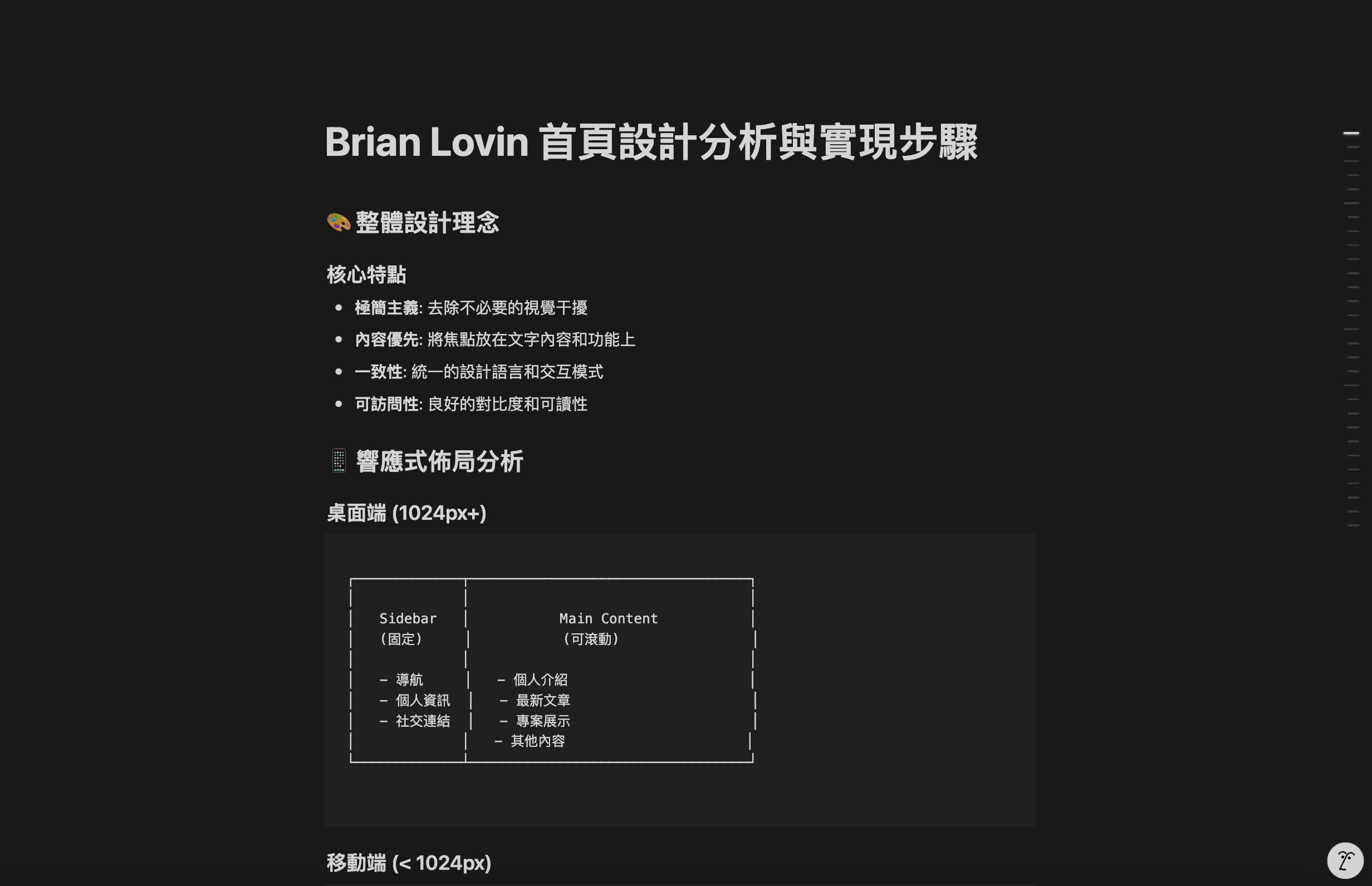
- For website structure and functionality, I referenced Brian Lovin's personal site and found his open-source code (I really liked his sidebar RWD responsive interaction design)
- For visual design, I referenced Another Lane's color palette and type scale
I fed the former into Claude, asking it to analyze the website architecture and implementation steps, break the features down into "Repo" format, and explain the logic behind it -- only then did I move into the actual conversation phase.
Prompt Engineering in Practice: Giving the Right Instructions So AI Understands Your Website Needs
Fair warning: if I actually knew what the "right Prompt" was, I probably wouldn't have needed 17 maxed-out conversation threads to build this project.
But through the back-and-forth, I did re-examine what kind of Prompts best serve the two most important goals in the Vibe Coding process: expanding the knowledge I don't have, and verifying whether the logic is correct.
Example 1: How I Ask Claude.ai to Generate Components or Features
In the ancient era, engineers would complain that product managers never knew how to do things correctly, while product managers felt engineers were hard to communicate with and weren't capable enough.
For product newcomers, the biggest problem often isn't not knowing what you want -- it's "not knowing how to build the feature." In technical terms: "not knowing how to translate it into a Repo." This paradox of "I can't know what I don't know" was a frequent source of fights between product managers and engineers in the pre-AI era (yes, it really is a different era now). The same situation arises in AI conversations, so here's how I handle it with Prompts:
I want to build something similar to "Ref's" "XX feature."
- If I understand the integration direction >>> Please help me see how this new feature should be integrated under the existing "XX feature"
- If unknown >>> I'm not sure how to integrate this under the current architecture. Please provide similar case references and implementation recommendations
Most of the time, the first conversation is enough to clarify the general direction for product iteration.
A real example: when building the Sidebar, I initially had zero clue where in the Repo the sidebar code should "live." So I provided a reference and asked follow-up questions about different approaches to building the same feature, then selected the version that best fit my needs.
Example 2: How I Use Claude.ai to Fix Syntax or Debug Errors
Don't worry about getting stuck or seeing red error messages. Don't spiral internally -- just screenshot it and throw it back. Every engineer started the same way.
Here's a joke: in the ancient era, there was this thing called Stack Overflow.
Of the 17 maxed-out conversations, a large portion was debugging. At first, I always had Claude generate complete code and mindlessly pasted it in. But by the middle and later stages of the project, you gradually develop a feel for the whole thing. Partly because you become intimately familiar with the project Repo's architecture and no longer rely on AI providing the absurdly long full-code-copy-paste meant for total beginners.
The other part is discovering that many errors are repetitive -- typos, functions or commands that can't be found, path dependency issues, and so on. These are things you learn through practice, after encountering countless red errors and spotting familiar faces among them.
Later, to avoid hitting the conversation limit too quickly and to reduce iteration costs, I started prompting like this:
I just ran it and encountered this "attached screenshot / error code" issue.
- If I can roughly identify the error direction >>> It might be an issue with such-and-such, possibly "this type" of problem
- If I can't tell >>> Please tell me how to fix it and explain the logic behind it
*For smaller issues that don't involve the entire code structure, I edit directly in Windsurf. *For structural issues, I also attach the related code alongside the request.
These two Prompting approaches are strategies I refined over an entire week to fit my own thinking and problem-solving style. But I believe everyone will develop their own Vibe when it comes to Prompt Engineering -- and that's the most interesting (but of course also the most exhausting) part of the whole journey.
Beginner's Troubleshooting: Common Problems and How to Push Through
I can now say with confidence that I'm at least an entry-level Vibe Coding wizard, which means I fully empathize with the struggles beginners face.
Don't Blindly Accept AI-Generated Code
Turn AI into an Agent, not a replacement for your brain. It's there to assist your thinking and execution, not to be an external brain replacing your central nervous system.
Always maintain independent thinking and at least 50% of a clear head. Coding is hard. The complex part is that you're not sure what the code is actually doing line by line. And sure, leave the translation to AI -- outsourcing the tedious work of writing complex code is absolutely fine. But thinking about product architecture, defining the execution direction, and ensuring errors don't keep recurring (recurring errors signal a structural performance issue that needs to be addressed) -- that's the most important part of the human-AI collaboration in the Vibe Coding process.
You Don't Need to Know Git or Front-End/Back-End Languages to Build a Website
That's right -- I'm someone who spent time understanding and tracing the logic of HTML, CSS, and JavaScript from absolute zero. This did make my start slightly slower compared to someone with at least git or Python experience. But by the middle and later stages of the project, I found that the more important skill was actually "Prompt management" -- and peeling back a layer, that reflects whether you truly understand the product and requirements, and whether you have good project management methods.
Once you strip away the seemingly towering technical barrier, the competition comes down to who breaks down requirements more clearly and who manages more efficiently.
Use Iterative Dialectics to Figure Out Where You're Stuck
At some point during Vibe Coding, you will inevitably enter a dissociative state of "who am I, where am I." At that point, your code is probably in a half-done, chaotic mess. This is the "valley of despair" that everyone without a technical background goes through -- the Vibe Coder's wall. There's no silver bullet. The only way is to keep Vibe Coding all the way to the end.
The duration of this phase varies with product complexity. For my first URL shortener project, I was stuck for about 1 hour out of a total of 3. For this project, it was roughly 6-10 hours (that was the Thursday night of 6/5 when I pulled an all-nighter). It also took extra time because I was too fixated on UX interaction details, spending a lot of effort fixing usability issues.
In short, this article covers my experience as a non-technical Vibe Coder beginner going through an intensive training arc. I hope it helps anyone who also wants to "self-host a website" or "build a small product." Just take the plunge!
I shared the full feature breakdown of the website architecture, more detailed execution steps, and the iterations I plan to make in the future on Zeabur's official blog.
 Zeabur[object Object]
Recommended Reading
- This Vibe Coding Case Study: ScubaDuck shares the Human-AI Interaction approach from an engineer's perspective, with advice on Prompting
- Also worth reading: I Built My Blog Using "Vibe Coding", another beginner's field guide from the Dev community